

Checklist for exhibitors
Trade show checklist, so nothing gets left at the office.
Everything you need to prepare to exhibit at a trade show, ordered by date. From booking the space to following up when you get back, plus what has to go in the booth box. Tick it off as you go, or download the PDF and take it with you.
90 days before
Book the space and set the goal
- 90
- 60
- 30
- 14
- 7
- 1
- Today
The checklist
Trade show preparation checklist, step by step
34 tasks in six stages. What you tick is saved in this browser, so you can pick up where you left off another day.
Three months before
0/5One month before
0/6The week before
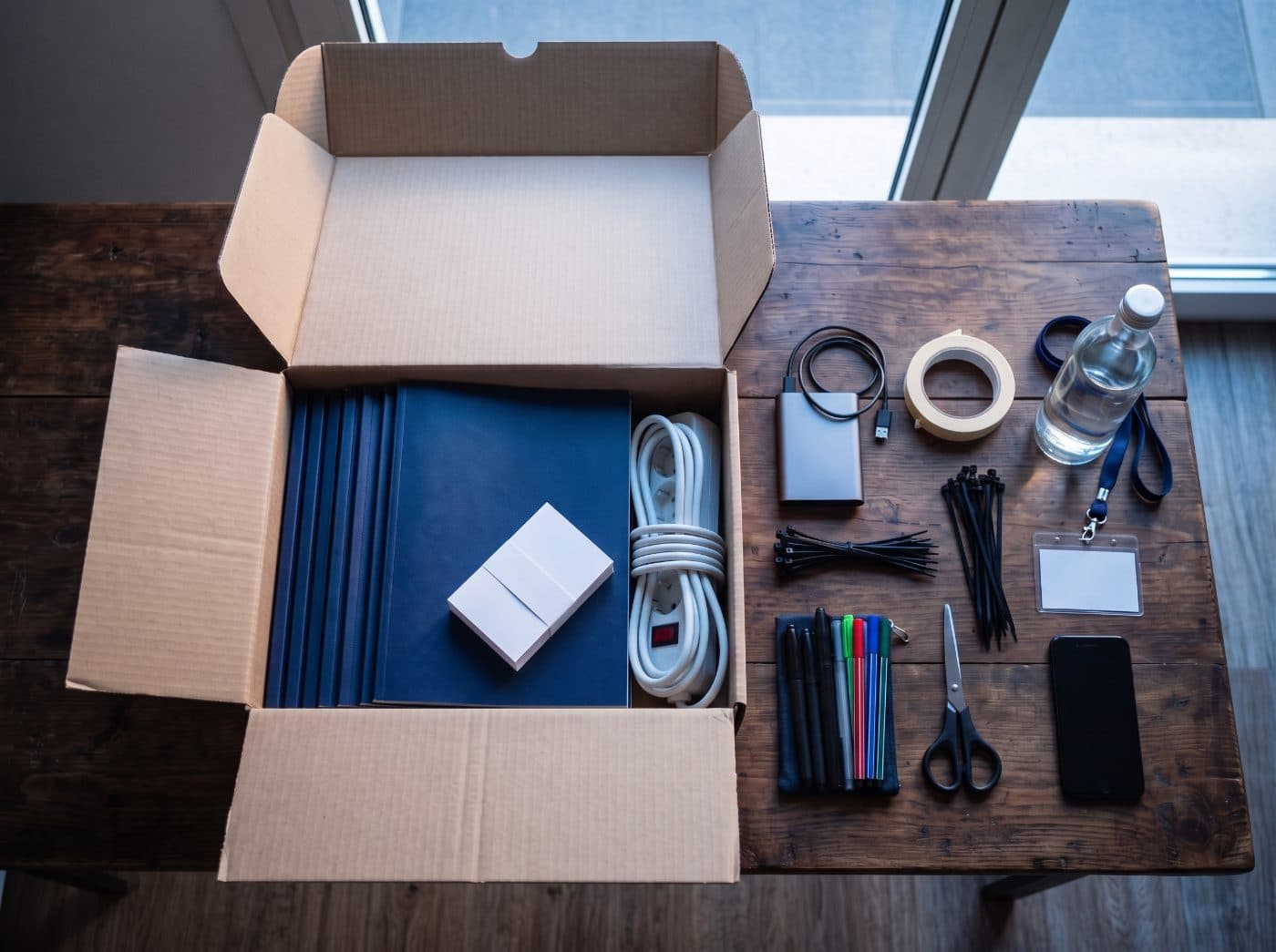
0/5The booth box
0/8During the show
0/5When you get back
0/5To find out whether the show was worth it, use the trade show ROI calculator, free and with no sign-up.
Budget
How much it costs to exhibit at a trade show
It depends on the venue, the size of your space and the booth, so there is no single figure that works for everyone. What does repeat is the list of costs, and forgetting one of them is what makes a show cost more than planned.
The space
The booth
Venue services
Travel and accommodation
Materials and shipping
The team's time
With the total cost and the deals that come out of the show, you have its return. Work it out with the trade show ROI calculator, free and with no sign-up.
With Tarjeo
Everything goes in the box. For leads, your phone is enough
Of everything on the checklist, capturing leads is what you notice most afterwards. With Tarjeo each rep does it from their own phone, with nothing to install.
A photo of the card
The AI extracts the name, company, job title, email, phone and website in seconds.
A voice note
Dictate what you discussed. The AI summarises it in the contact and tags it.
The show, filled in for you
Add the show and, on those days, Tarjeo suggests it when you scan. The whole team's leads end up under the same show.
One account per rep
Everyone scans with their own account and only sees their own contacts.
Follow-up without losing track
One email to everyone from your own address, and alerts for anyone with no contact for 15, 30, 60 or 90 days.
The ROI of every show
Enter what it cost and the deals closed with their value, and Tarjeo calculates the return.
Questions about preparing for a trade show
Arrive at the show with everything ready
And come back with every lead saved, with its note and its show, ready for follow-up.
Want to know whether the show paid off? Trade show ROI calculator